 RECESS
AI photo editing for iPhone
Photos that look
like you—
just finished.
No prompts. No sliders. No learning curve. Pick the finish you want, add one photo, and Recess does the editing.
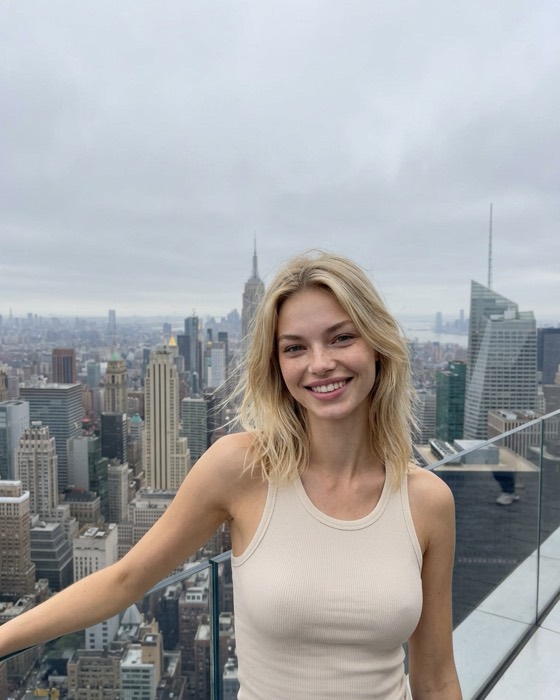
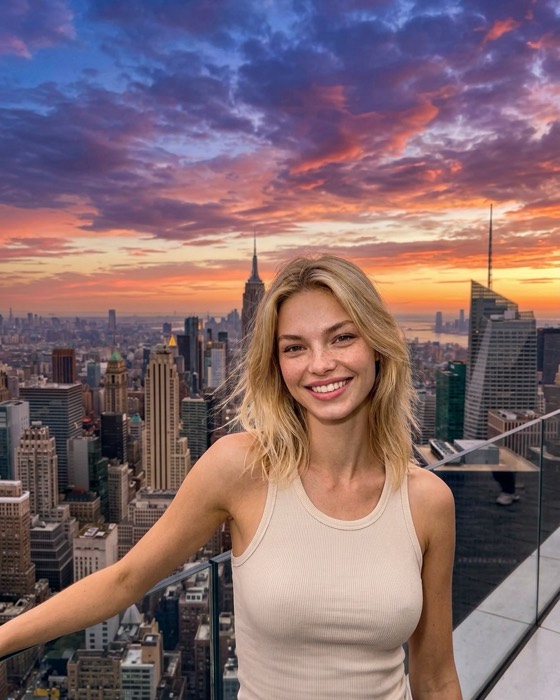
✓ Still looks like you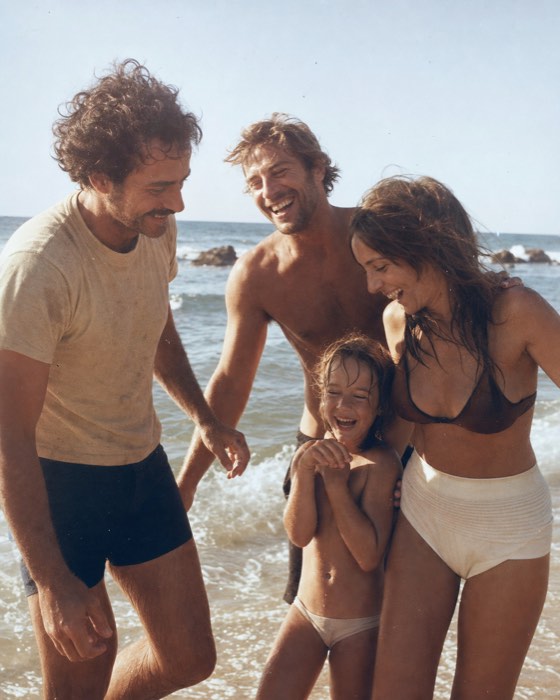 golden hour
 night flash
 photo dump
How it works
Three taps, one photo, done.
Most editors hand you a blank box and hope you know what to type. Recess starts from the finished result instead.
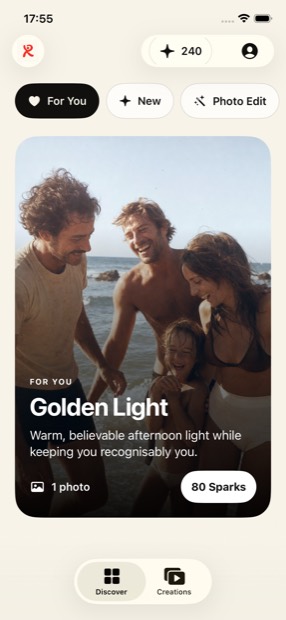
Browse finishes
Scroll real, finished outcomes — golden hour, night flash, studio portrait, photo dump. You pick the one you want.
Add your photo
One clear photo is usually all it takes. Add a few more angles and the result gets even closer to you.
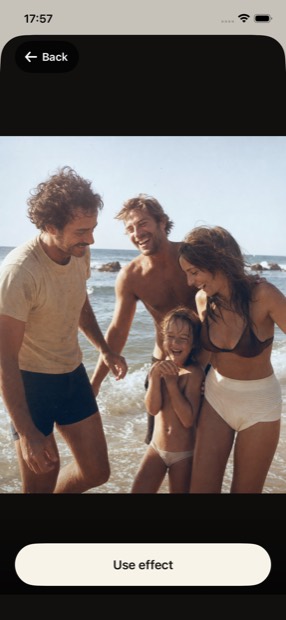
Save the full-size result
Your creation lands in the app at full resolution, ready to save or share. No watermark stamped across it.
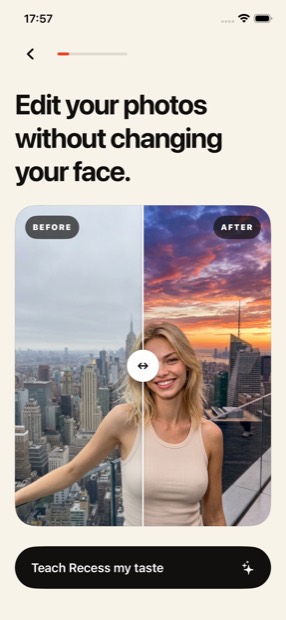
Finishes
Choose the feeling. Recess handles the edit.
Every finish is built and tested in-house, then published to the app. New ones arrive regularly.
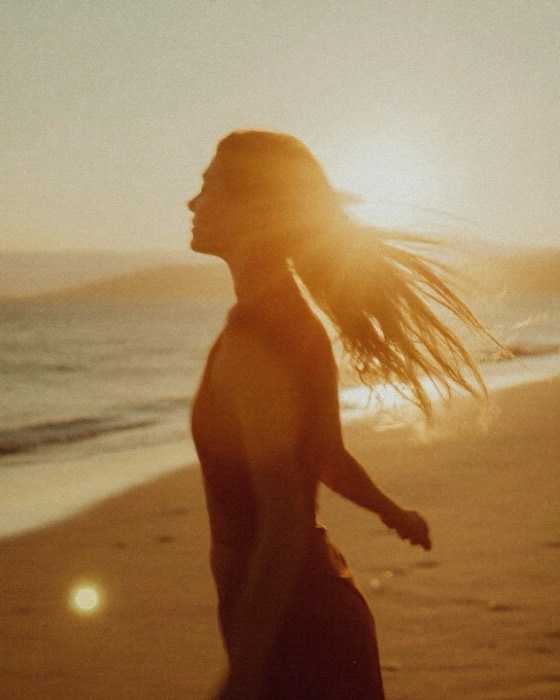
Golden hour
Warm, believable afternoon light — without the 6pm scramble to catch it.

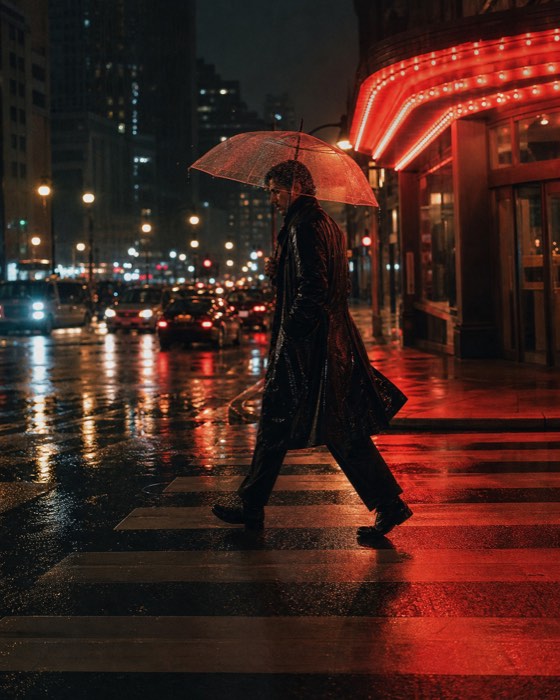
Night flash
The direct-flash, out-late look that makes an ordinary photo feel like a night out.
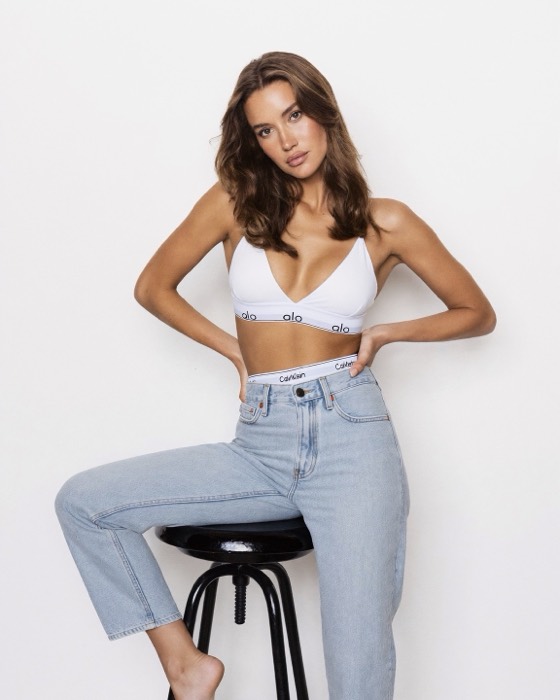
Studio portrait
Clean, even, professional lighting from a photo you took on your couch.
Photo dump
Scrapbook collages and sticker layouts, assembled for you from your own shots.
Video finishes
Some finishes return short video, not just stills. Same flow, same one-photo start.

Photo Edit
Need something specific? Describe the change in plain words and Recess makes it.
Identity
The light changes. Your identity doesn't.
The fastest way to ruin an edited photo is to come out looking like someone else. Recess is built around keeping your face yours.
- ✓ Your features, proportions and skin stay recognisably you
- ✓ More angles of you means a more accurate result
- ✓ Full-resolution output, never a watermarked preview
Privacy
Your photos stay yours.
Photos of your face deserve better than the usual small print. Here's the whole arrangement.
- ✓ Uploaded source photos are deleted from our servers when processing ends
- ✓ We don't train AI models on your photos
- ✓ We don't sell your data. Ad tracking needs your permission.
- ✓ Delete your account in the app and your media goes with it
Questions
Good to know.
Do I need to know how to write prompts?
No. That's the point. You browse finished results, tap the one you like and add a photo. If you do want to describe a specific change, the Photo Edit tab lets you type it in plain English.
What are Sparks?
Sparks are the credits Recess runs on. Every finish shows its Spark price before you start, so you always know the cost. New accounts get a welcome balance, and you can buy more in the app. If a creation fails or you cancel it, the Sparks go back to your balance.
Will it still look like me?
That's the thing we optimise for hardest. One clear, well-lit, front-facing photo gives the best result. Adding a few more angles of yourself makes it more accurate again.
What happens to the photos I upload?
Uploads are stored privately while your creation is being made, then deleted from our servers when processing ends. The app keeps a temporary, account-specific source copy for before/after comparisons; it expires after seven days and is cleared on sign-out or account deletion. Finished results stay available in the app for a limited time so you can save them, and you can delete anything yourself at any point. Full detail is in the privacy policy.
Is there a watermark?
No. What you make is yours, at full resolution, ready to post or print.
Which devices does Recess work on?
Recess is an iPhone app. Android isn't available yet.
Get Recess
Pick a finish.
Add one photo.
Recess is coming to the App Store. Want to be told the moment it lands?
iPhone · Coming soon to the App Store